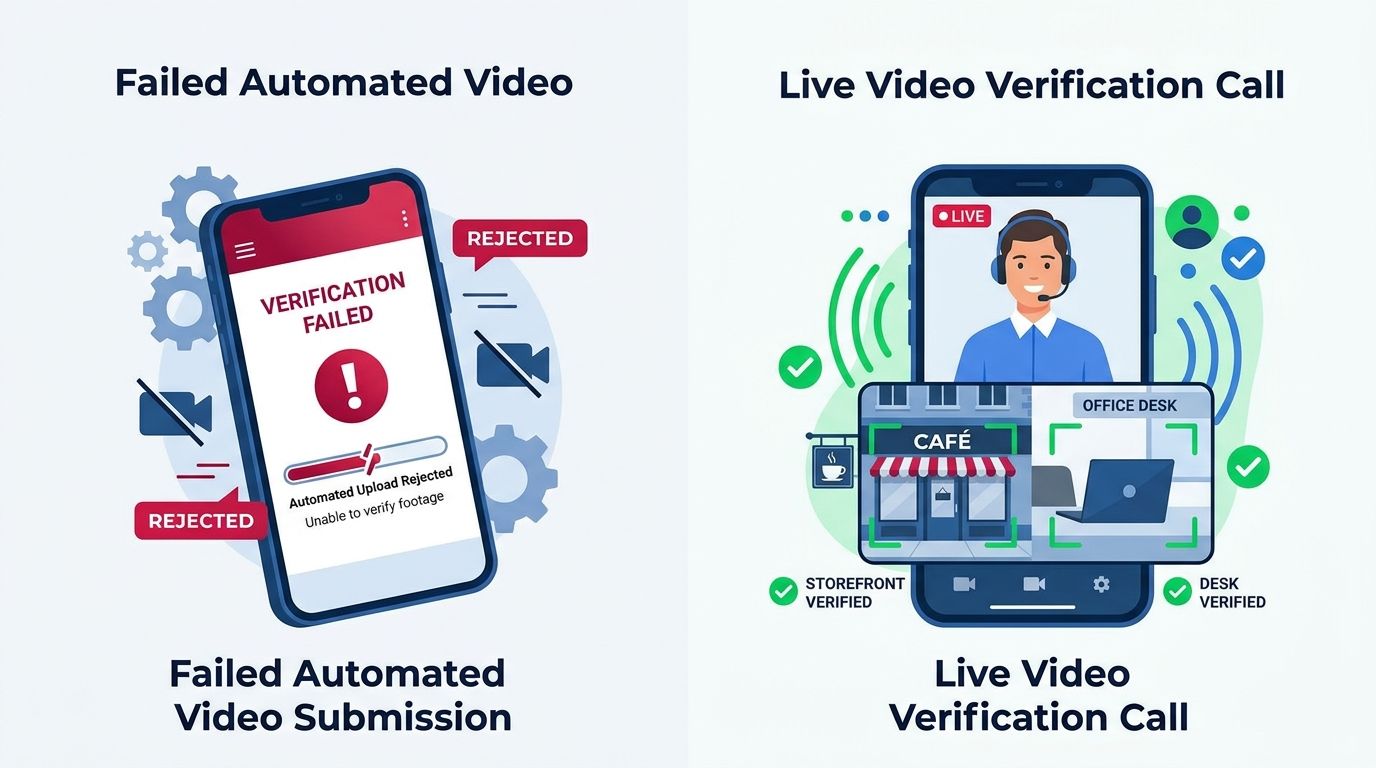
In my last field note, In The Field 029, I wrote that reversing the order of a verification video got a business approved after the same footage had failed. I also said one success does not prove anything.
It did not. I shot two more videos the same way, for two businesses on busy streets with neighbors all around them. Both failed, with the same message as every other failure: no view of surrounding area. Show street signs, neighboring businesses or recognizable landmarks.
So I stopped shooting videos and asked Google for live calls. I have now done three. All three passed. No two of them asked for the same things.
How To Get A Live Call
A live call is not something Google hands you. In general, you have to ask for it, and asking means opening a support ticket. Sometimes that ticket has to include photos of the front of the building before Google will approve the call at all.
It is a process with its own hurdles before the real verification even starts. If you have never been through it, it is cumbersome, and nothing on the failure email tells you it exists.
The First Call
I covered this one in 029. The reviewer wanted a shot from across the street, the building with its sign, and the bathroom. Verified on the spot.
The Second Call
This reviewer asked to see the sign outside and nothing else outdoors. No street, no neighbors, no front of the building. The one thing every failed video was blamed on never came up.
The sign did matter, though. The name on the Google profile had drifted slightly from the name on the sign, and the call stopped until I changed the profile to match the sign exactly.
Then she asked for an area the public does not normally go. I showed her the power panel. Not enough. I showed her the kitchen. Then I showed her the office, the most restricted room in the building, and she took pictures.
After that came something no failure email has ever mentioned. I had to prove I controlled the business's domain, and then show her the website itself, on my phone, turned sideways.
I had a light bill ready. She did not want to see it.
The Third Call
This business has what amounts to a yard sign, the plastic kind that usually goes on a stake, nailed to the wall beside the door. That is its permanent sign, and it was nearly not accepted.
This reviewer did want the view from across the street. Then came the restricted area. The office, where nobody but staff is allowed, was not enough. I had to show the bathroom, which is open to the public.
It passed.
What Three Calls Had In Common
Not much.
Every reviewer wanted the sign, and the name on it has to match the profile exactly.
Every reviewer wanted a space that proves access, but they did not agree on what counts. An office was enough once and not enough the next time. A bathroom worked twice.
Two of three wanted the view from across the street. One never asked.
One wanted proof of the domain and the website. The others did not.
Nobody wanted paperwork. I had bills ready on two calls and neither reviewer looked at them.
If You Are Stuck On The Video
Here is where I have landed after every video but one failed and every live call passed:
- Open a support ticket and ask for a live call. Have photos of the front of your building ready in case the ticket needs them.
- Do not plan on a Sunday. Live calls are not offered then.
- Before the call, make the profile name match your sign, letter for letter.
- Be ready to walk across the street and show the building from there.
- Know which rooms you will show: an office, a kitchen, and yes, the bathroom.
- Have the website open on your phone, and be ready to show you control the domain.
- Expect the reviewer to ask for something not on this list.
Or better yet, call someone who has been through it. These hurdles are a lot to learn on your own, and I have now cleared them enough times to know where they are.
The Foundation Connection
A verified Google Business Profile is the base of a business's Local Authority. Getting one should not depend on which reviewer answers the call, but right now it does.
The automated video review told me the same thing every time, no matter what was in the frame. The live reviewers asked for different things every time and approved all three. I cannot tell you what Google wants. I can tell you what it asked me for, and that a person on a call has been the only thing that worked.


