I subscribed to an RFP listing service called FindRFP. It wasn’t useful for my business, so I went to cancel. I could not find a way to do it anywhere on the site, so I emailed their support and asked them to cancel my subscription.
Here is what came back.
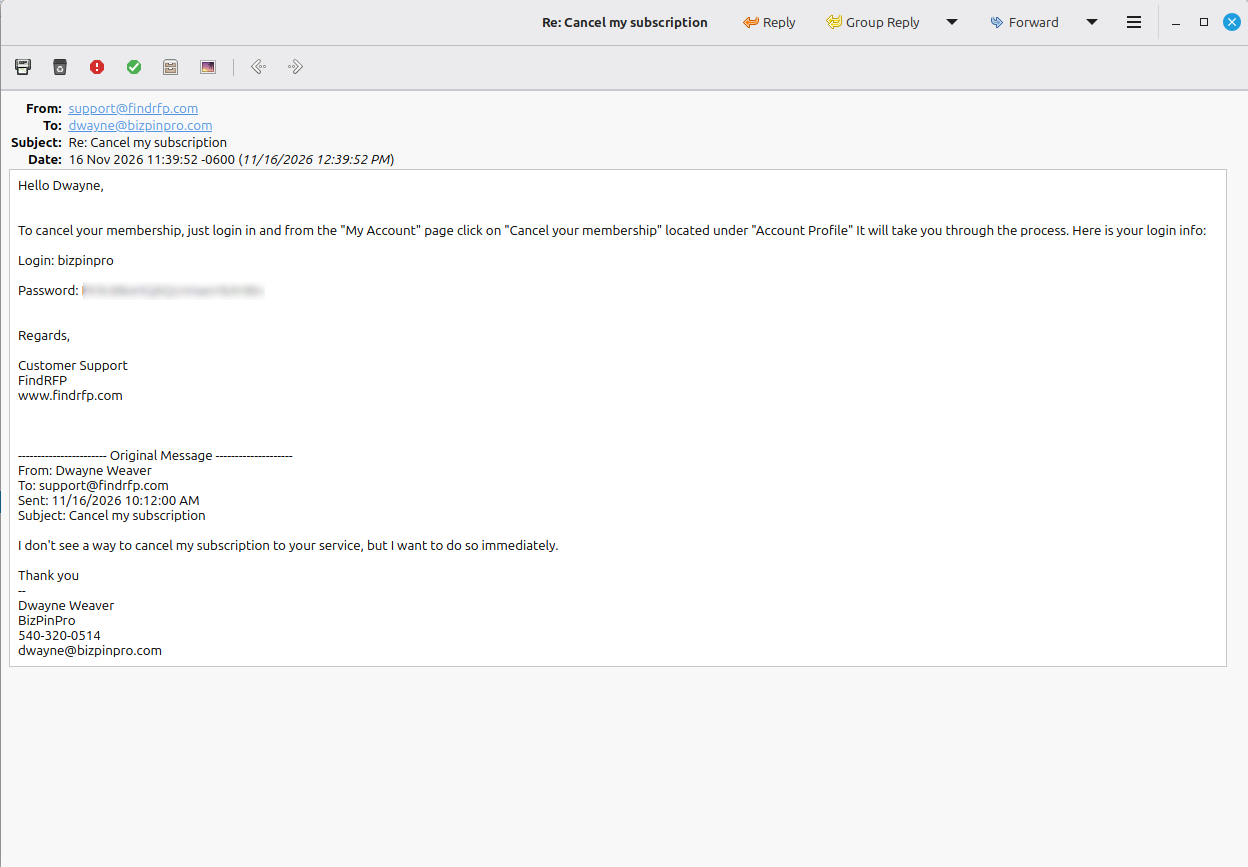
Instructions for where the cancel option lives, which is fine. And then my username and my full password, typed out in plain text in the body of an email.
I did not ask for my password. I asked to cancel.
Why That Is A Problem
Websites are not supposed to know your password. That has been the accepted standard for well over a decade.
A properly built login system stores a scrambled version of it, called a hash. When you log in, the system scrambles what you typed the same way and checks whether the two match. Properly built systems also add a random value, called a salt, to each password before hashing it, so two people with the same password never end up with the same stored value. Together, that practice is called hash and salt. The company never needs to see your real password, and a properly built system cannot show it to anyone, including its own support staff.
That is why a well run site never emails you your password. It sends you a link to set a new one.
The password in that email is the one I created when I signed up. They did not reset it. They read it back to me.
That means FindRFP stores passwords in a form its own staff can see, and anyone who ever gets into its database can see them too.
Why It Matters To You
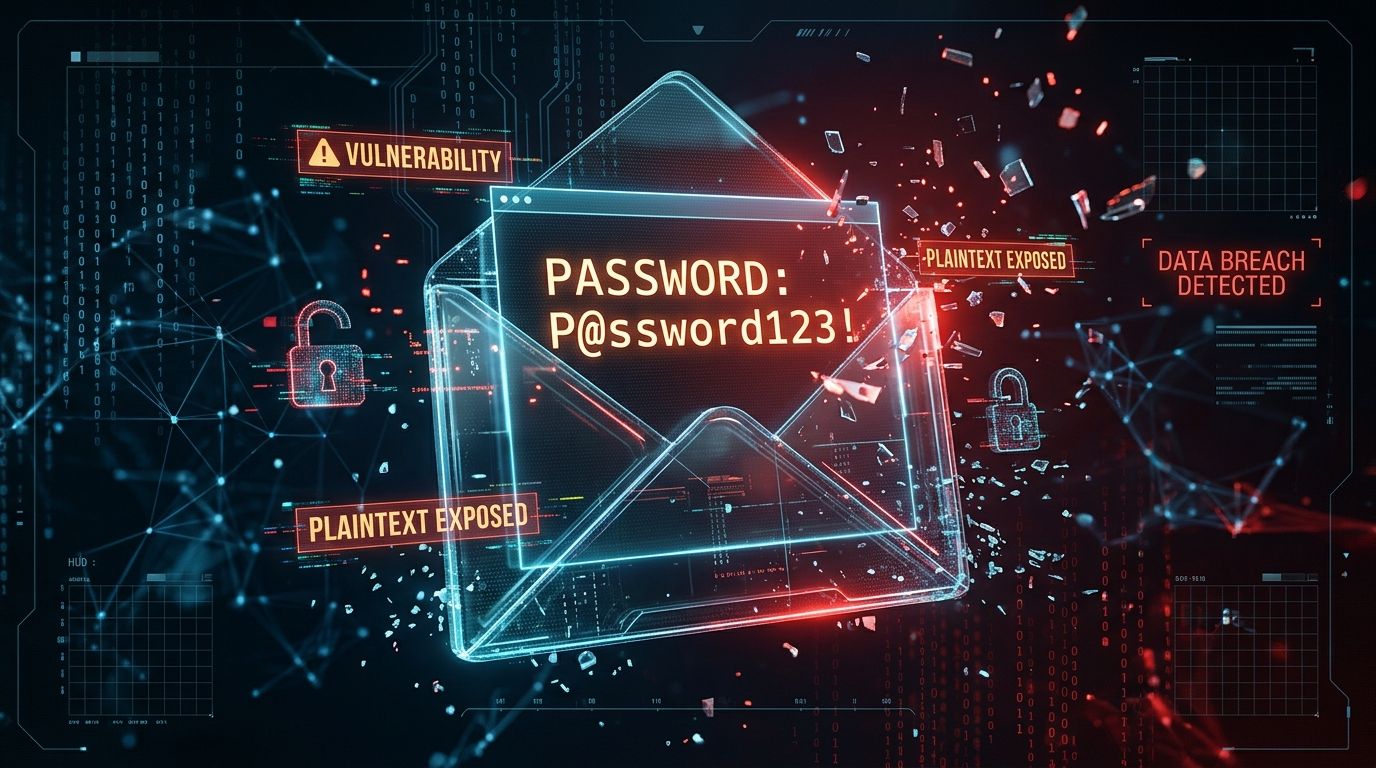
If a company can read your password, so can anyone who gets into that company’s database, or into a support inbox. And email is not a secure channel. That password now sits in my inbox and in theirs, possibly forever.
Most people reuse passwords. If that password also opens their email, their bank, or their business accounts, one careless support reply exposes all of it.
The Cancel Button Nobody Could Find
The cancel option exists. It is on the My Account page, under Account Profile.
I build websites for a living and still could not find it without writing to support.
A subscription that is easy to start and hard to stop is a choice someone made.
If A Company Ever Emails You Your Password
- Change that password immediately.
- Change it anywhere else you have used it.
- Use a different password for every service, and let a password manager remember them.
- Take it as a sign of how that company treats the rest of your information.
- I canceled the account. That password is no longer used anywhere.
The Foundation Connection
Security is part of a Digital Foundation, and most of it is invisible. You cannot see how a company stores your password. Sometimes, though, they tell you without meaning to.
If any company can tell you your password, it is storing it wrong.
I recommend checking your email address regularly at Have I Been Pwned. It is a free service that tells you when your address shows up in a known data breach.


