A forty year old business recently learned that part of its online presence had been broken for a while. Nobody told them. The people being paid to manage their website did not notice, or did not say. The business only found out when someone else looked.
The thing that broke was their DNS. Most business owners have never heard of it, which is exactly why this post exists.
What DNS Is
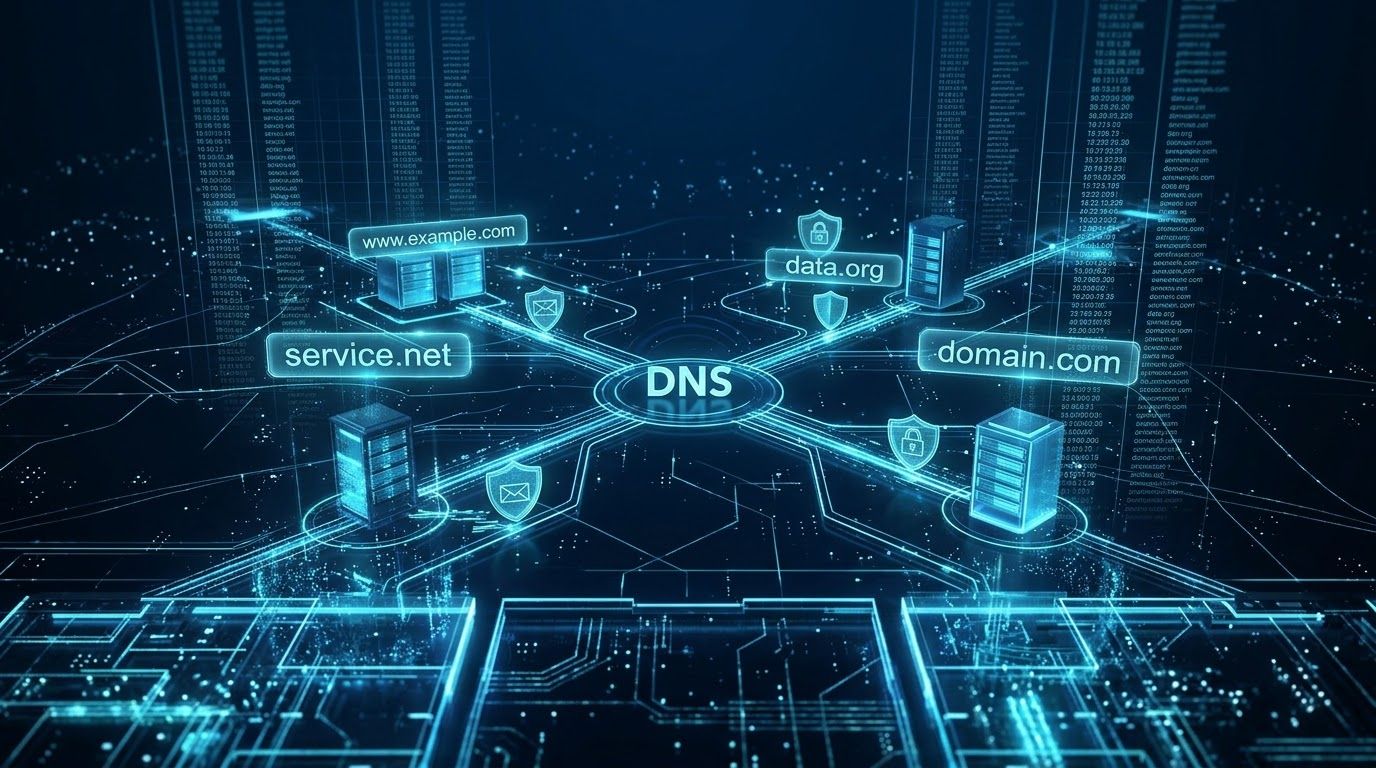
DNS is the phone book for your domain. When someone types your website address, or sends an email to you, DNS is what tells the internet where to go. Your domain name is just a name. DNS records connect that name to the server where your website lives, the server that receives your email, and the rules that prove your email is really yours.
If the phone book is wrong, the name still exists. It just points nowhere, or to the wrong place.
What Lives There
A handful of records do all the work, and each one breaks a different thing when it goes wrong.
The records that point to your website. If these are wrong, your domain loads an error, a parked page, or someone else's server.
The records that route your email. If these are missing or wrong, email sent to your business bounces, or disappears without a bounce. The sender thinks you got it. You never did.
The records that protect your email. SPF, DKIM, and DMARC all live in DNS. They are what tell other mail servers that a message claiming to be from you is really from you. I wrote a three part series on them, and a field note about the day they caught a spoofed message using my own domain. None of it works if the records are not there.
The nameserver records that say which company holds the phone book itself. Change those, and every other record changes with them.
Why Nobody Notices
A DNS problem almost never announces itself.
If the website record breaks, the owner may not visit their own site for weeks. Customers who hit an error just leave. Nobody calls to say the site is down.
If the email record breaks, it is worse. Email stops arriving, and the silence looks like a slow week. Customers who sent messages assume they were ignored. The business assumes nobody wrote.
And the records change without anyone meaning to break them. A domain renewal lapses. A hosting company migrates servers. A helper sets up a new service and swaps the nameservers, wiping out records someone else put there. Each person touches one piece and nobody looks at the whole.
Who Should Hold It
Someone has to manage your DNS, and for most small businesses that will be a developer or a hosting company. There is nothing wrong with that. I manage DNS for my clients.
The question is not who logs in. The question is whether you could take it back tomorrow without that person's cooperation.
Your domain should be registered with your business as the named owner, even if someone else manages it day to day. You should know where it is registered and who manages it. Whoever manages it should tell you what they change, and hand it over the day you ask.
That is how I handle it. My clients are the registered owners of their domains. I manage the records, I tell them when something changes, and the domain goes with them if they ever leave. If the person managing yours cannot say the same, you do not own your DNS. You are renting it.
How To Check Yours
You do not need to understand the records to see whether they exist. My free Domain Check tool shows what your domain's DNS currently says: where your website points, where your email goes, and whether the protection records are in place. Run it once and keep the results. Run it again any time something feels off, or any time someone touches your setup.
If the email protection records are missing, that is the first thing to fix. If your website record points somewhere you do not recognize, find out why today.
The Foundation Connection
DNS is the part of a Digital Foundation that sits underneath everything else. The website, the email, and the proof that your email is yours all depend on a few lines of text that most owners have never seen.
Someone needs to be watching those lines. On every site I manage, that someone is me. If nobody is watching yours, you will find out the same way that forty year old business did: when something has already been broken for a while.