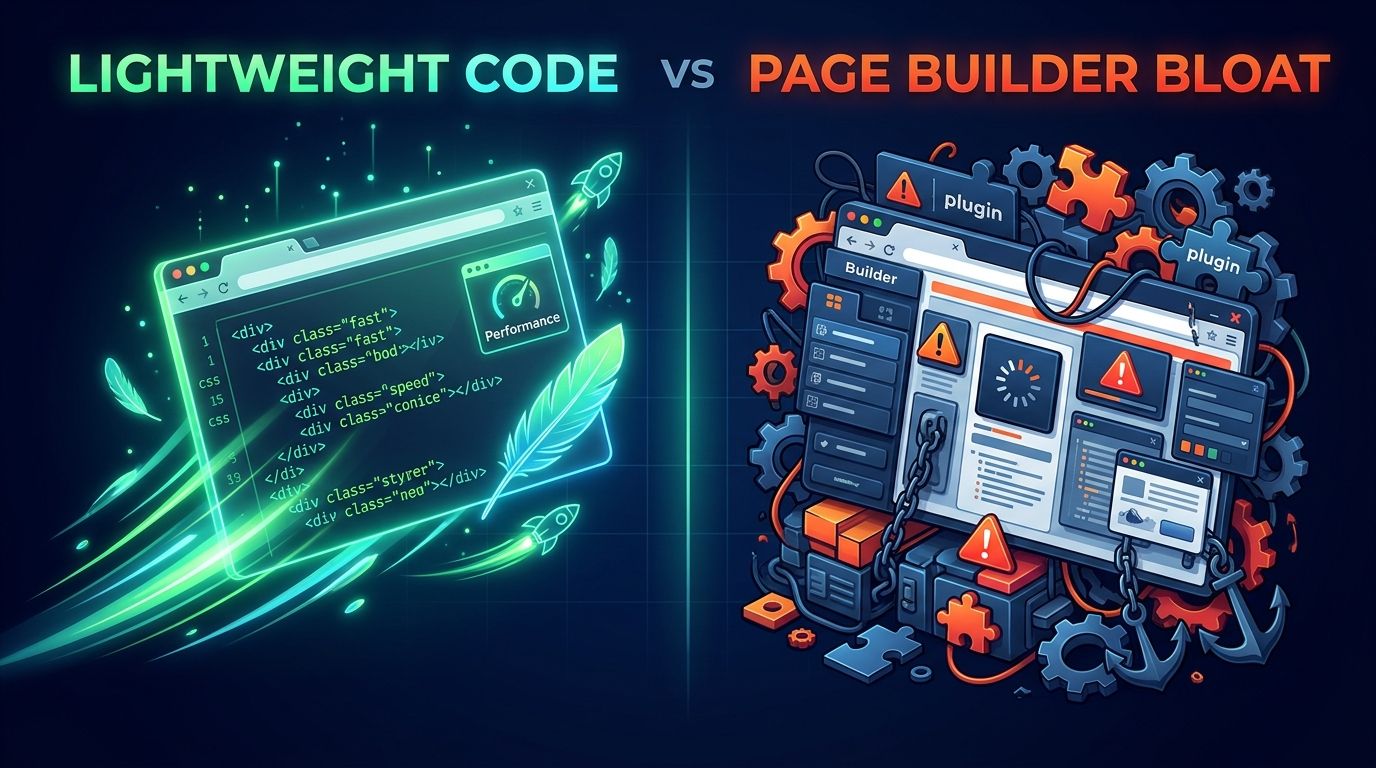
When a business owner hears "custom web development," they usually hear "expensive." When they hear "page builder," they hear "easy." Both reactions skip the part that matters: what you get underneath the design, and who controls it.
What Custom Web Development Means
A custom site is written by hand, for one business. No WordPress, no Wix, no Squarespace, no drag-and-drop builder generating Code Bloat in the background. Every page, every form, and every feature is there because that business needed it.
A page builder works the other way around. It starts with a system built for every possible business, and you fit yours inside it.
The Weight You Cannot See
I measured this. Using the same kind of content, with images removed from every page to keep the comparison fair:
A hand-coded page came in around 386,000 bytes.
WordPress.com's own homepage, built carefully by its own team, came in at 399,267 bytes.
Elementor's own homepage, built with its own page builder, came in at 3,952,656 bytes.
That last one is roughly ten times heavier, almost all of it JavaScript and fonts that have nothing to do with what a visitor came to see. Every one of your customers downloads that weight on every visit, usually on a phone.
WordPress built carefully is not the problem. The builder layered on top of it is.
Built Around The Business
A bakery that takes custom orders needs an order form that asks the right questions. A towing company needs its phone number in reach of a thumb at all times. A restaurant needs its hours, its menu, and its phone number, and almost nothing else.
Custom development starts with the business and builds what it needs. A page builder starts with a template and asks the business to fit.
Who Owns It
Most page builder platforms cannot be moved. A Wix or Squarespace site cannot be exported as a working website. Stop paying, and it goes offline. Leave, and you rebuild from nothing.
A custom site is files on a server. The business owns the domain, the files, and the content. If it ever moves to another developer or another host, it goes with them.
What It Does Not Fix On Its Own
Custom code is not automatically secure, fast, or findable. When a critical flaw hit PHP itself this October, custom sites were exposed the same as WordPress sites running the same version. What protected my clients was that someone patched every server the same day.
A custom site still needs someone watching it.
The difference is that there is far less in it to break.
What The Market Charges
A client of mine recently sat in on a web design presentation for a statewide group. The numbers were typical for the industry, and they are worth seeing side by side:
A new WordPress site: $3,000 to $15,000.
Hourly work after launch: $30 to $150 an hour.
Domain and hosting: about $300 a year.
Accessibility plugins: $130 to $500 a year, on top of everything else.
Annual maintenance: $500 to $1,000.
None of that is unusual. It is what the market charges when a site is built on a platform that needs plugins to add features, plugins to secure it, and plugins to make it accessible, each with its own renewal and its own updates.
The presenter’s advice was to log in once a month and update the theme, the plugins, and WordPress itself, because most hacked WordPress sites were simply left un-updated. Once a month is not enough. When a vulnerability is published, attackers start scanning for it within hours. A site on a monthly schedule can sit exposed for weeks, and every plugin is one more thing waiting for its patch. When a critical flaw hit PHP this October, I patched every server I manage the same day.
My custom, single page sites start at $100, and hosting runs as low as $25 a month ($300 a year). My hosting costs about the same as the market's.
The build is where the difference lives, because there are no plugins to license, update, or fail.
Accessibility Is Built In, Not Bought
Accessibility plugins get sold as the way to make a site compliant. Many of them add a toolbar on top of the page without fixing the code underneath, and accessibility advocates have criticized that approach for years. A site built correctly from the start, with proper headings, alt text, contrast, and labeled forms, does not need a yearly subscription to be accessible.
Is It Right For Everyone?
No. If you want to drag boxes around yourself on a Saturday afternoon, a page builder will let you do that. That is a fair trade for some people.
If you want a site that loads fast, does exactly what your business needs, belongs to you, and has someone accountable for keeping it running, that is what custom web development is for.
The Foundation Connection
A Digital Foundation is built on what sits under the design: the code, the ownership, and the person responsible for it. Custom web development is not about paying more. It is about paying for the right things, and nothing you do not need.